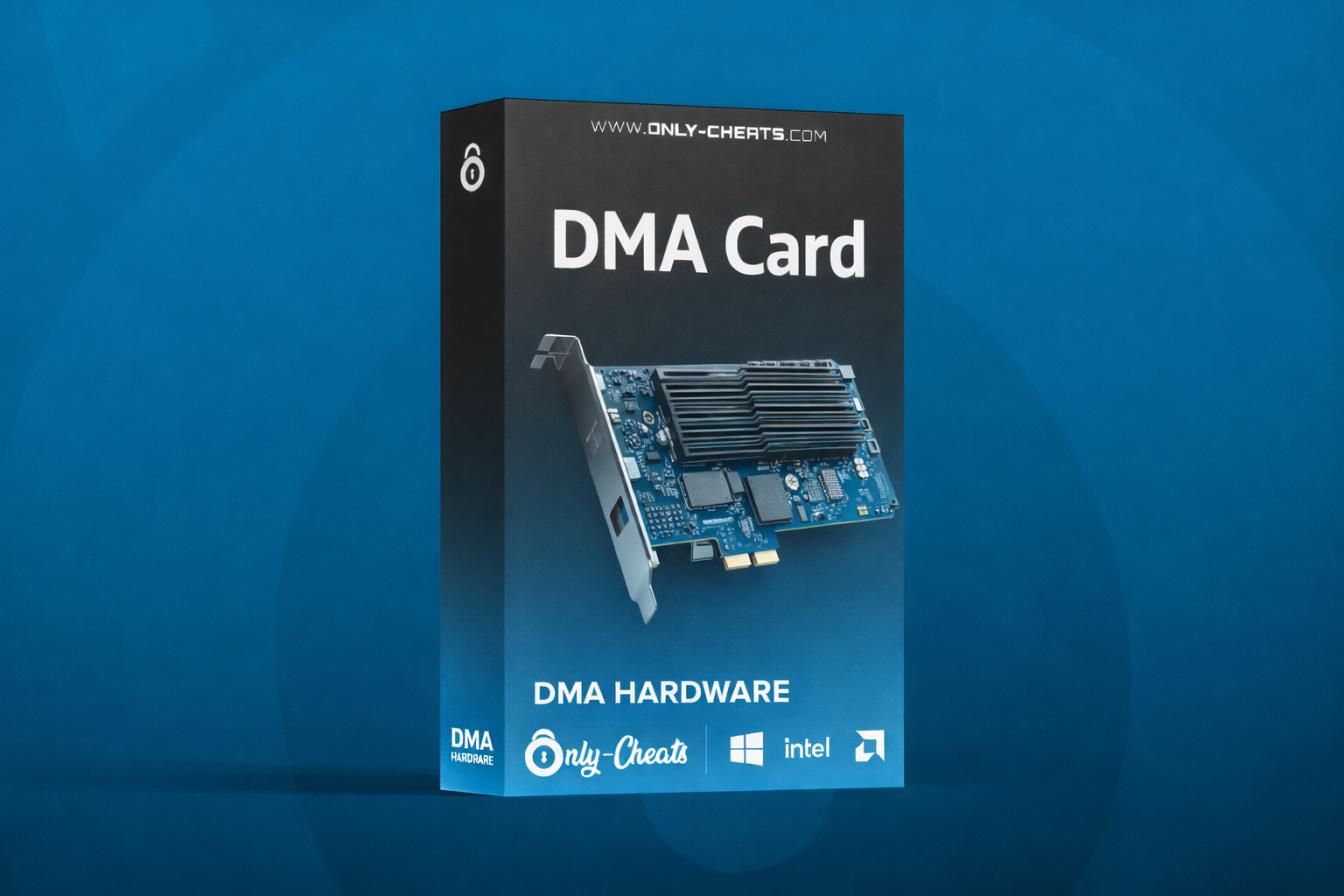
35T DMA Card
- Windows 10/11
- Intel/AMD
35T DMA Card – Precision Meets Entry-Level Power
The 35T DMA Card is the perfect starting point for users who want reliable DMA performance in a clean, accessible package. Powered by the Artix-7 35T FPGA, it delivers stable memory access, efficient firmware emulation, and dependable day-to-day operation without jumping straight into higher-tier hardware.
With 33,280 logic cells and PCIe Gen2 x4 bandwidth, the 35T gives you the essential performance needed for standard DMA workflows while keeping things smooth, consistent, and budget-friendly.
Performance
- Stable data paths for consistent operation
- Low-latency memory access
- ~80MB/s+ throughput for essential workflows
- Reliable for standard read/write tasks
- Ideal for budget-focused builds
Compatibility
- Supports Intel and AMD platforms
- Fits PCIe x1 / x4 / x8 / x16 slots
- Designed for wide hardware compatibility
- Universal slot support for flexible setups
- Strong choice for standard dual-PC builds
Required Hardware
- 2nd PC required for DMA operation
- Main PC with PCIe slot support
- x4, x8, or x16 slot compatible
- Host PC handles DMA tasks
- Target PC runs the main environment
In the Box
- 35T DMA PCIe Board
- USB Data Cable
Compatible Accessories
The following accessories are compatible with the 35T DMA Card and are commonly used to expand functionality depending on your setup. These are optional accessories and are not included unless stated otherwise.
Why Choose the 35T?
The 35T is designed for users who want a dependable entry into DMA without sacrificing presentation or practicality. It gives you the performance needed for standard operation, the compatibility needed for real-world setups, and the upgrade path needed when you decide to move higher.
Who Is the 35T Best For?
The 35T is best for users who want a reliable, lower-cost DMA starting point without overpaying for performance they may not need yet. It is ideal for budget-conscious buyers, first-time DMA users, and setups focused on standard, stable operation with room to upgrade later.
35T vs 75T vs 100T
Swipe sideways on mobile to view the full comparison table.
| Feature | 35T | 75T | 100T |
|---|---|---|---|
| Best For | Beginners / Budget Builds | Balanced Performance | Maximum Performance |
| FPGA | Artix-7 35T | Artix-7 75T | Artix-7 100T |
| Logic Cells | 33,280 | 76,800 | 101,440 |
| Read / Write Throughput | ~80MB/s+ | ~90MB/s+ | ~100MB/s+ |
| Latency | Low latency | Sub-millisecond | Sub-millisecond |
| PCIe Interface | Gen2 x4 | Gen2 x4 | Gen2 x4 |
| Theoretical Bandwidth | Standard x4 bandwidth | Up to 2GB/s | Up to 2GB/s |
| Compatibility | Intel & AMD / x1 x4 x8 x16 | Intel & AMD / x1 x4 x8 x16 | Intel & AMD / x1 x4 x8 x16 |
| Recommended Buyer | New DMA users | Users wanting more speed and better multitasking | Users wanting the most power and least bottlenecks |
Is the 35T enough for playing?
Yes — the 35T handles standard read/write operations perfectly fine for most games. For users wanting extra headroom or smoother performance under heavier load, the 75T or 100T are stronger options.
What is the difference between the 35T, 75T, and 100T?
The 35T is the budget-friendly entry option. The 75T offers improved speed, 76,800 logic cells, and better multitasking headroom. The 100T is the highest-end option with 101,440 logic cells, the fastest throughput, and the strongest overall performance.
What is Emulated Firmware?
Emulated firmware is enhanced 1:1 custom firmware backed by a driver. It features accurate CFG space matching and improved device presentation without the typical warning behavior seen on weaker implementations.
Do I need a second PC?
Yes — DMA cards require a dual-PC setup. The target PC runs the main environment, while the host PC handles the DMA operations for clean system separation.

.png.127468025dfaf769fe4efc05a7f2459e.png)