

Product Images
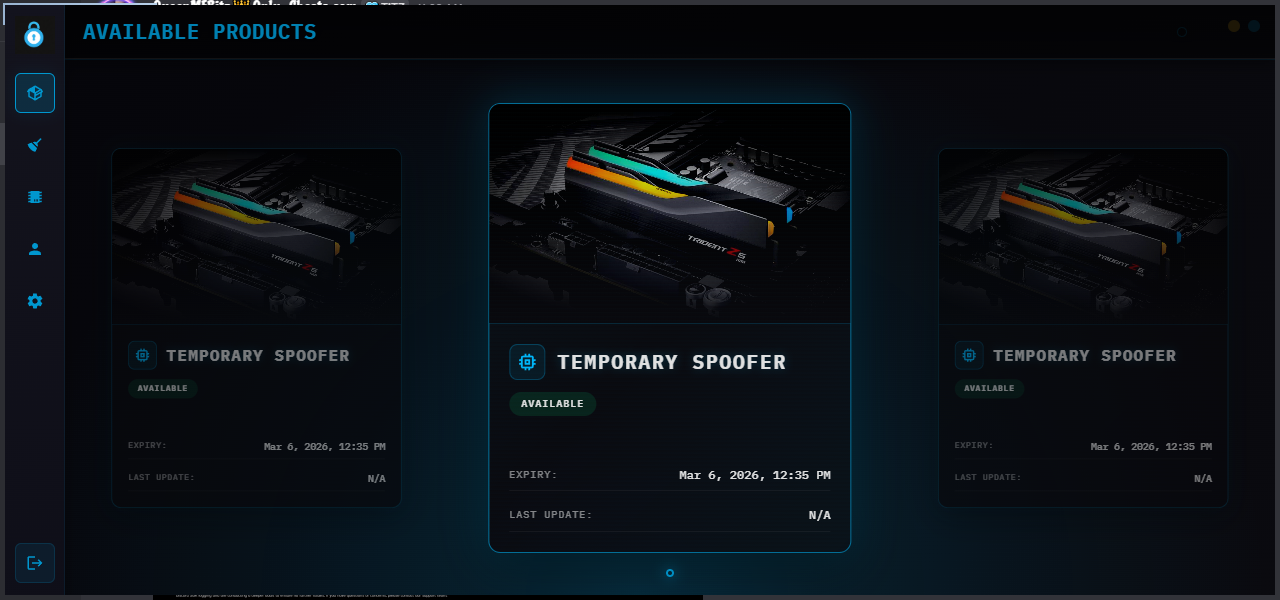
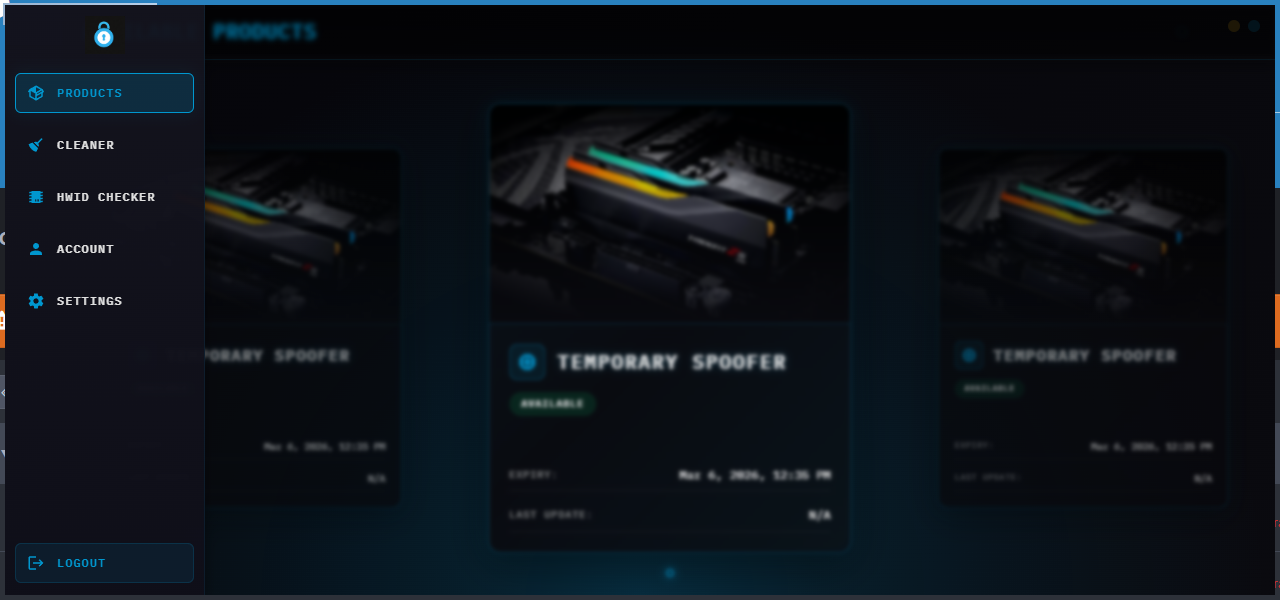
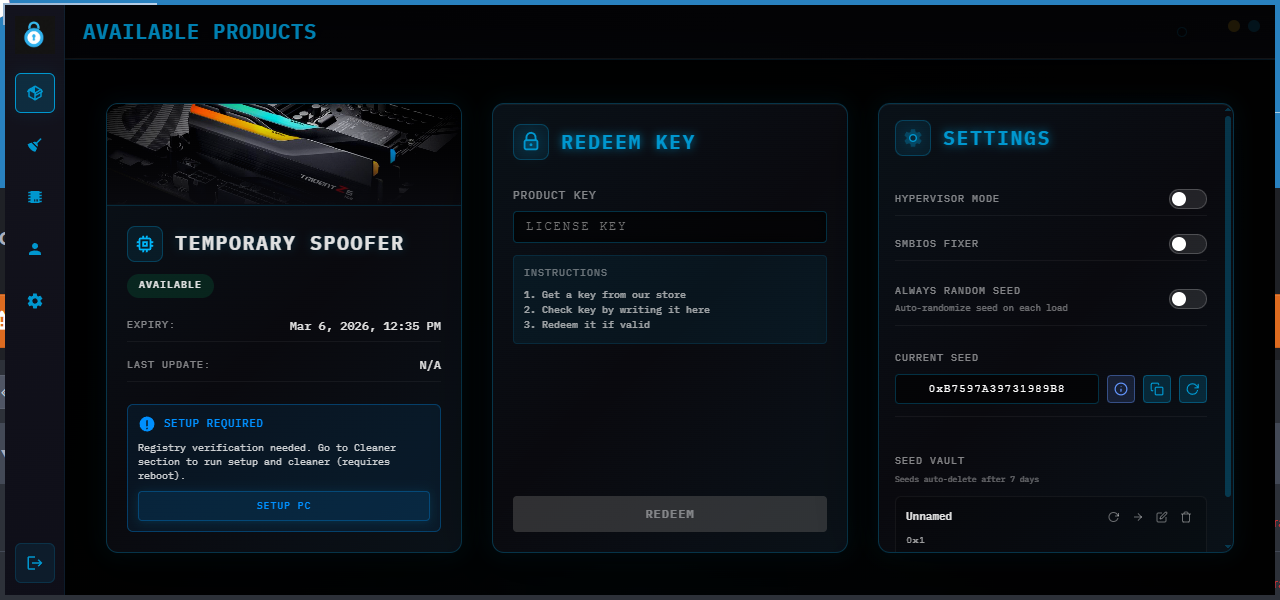
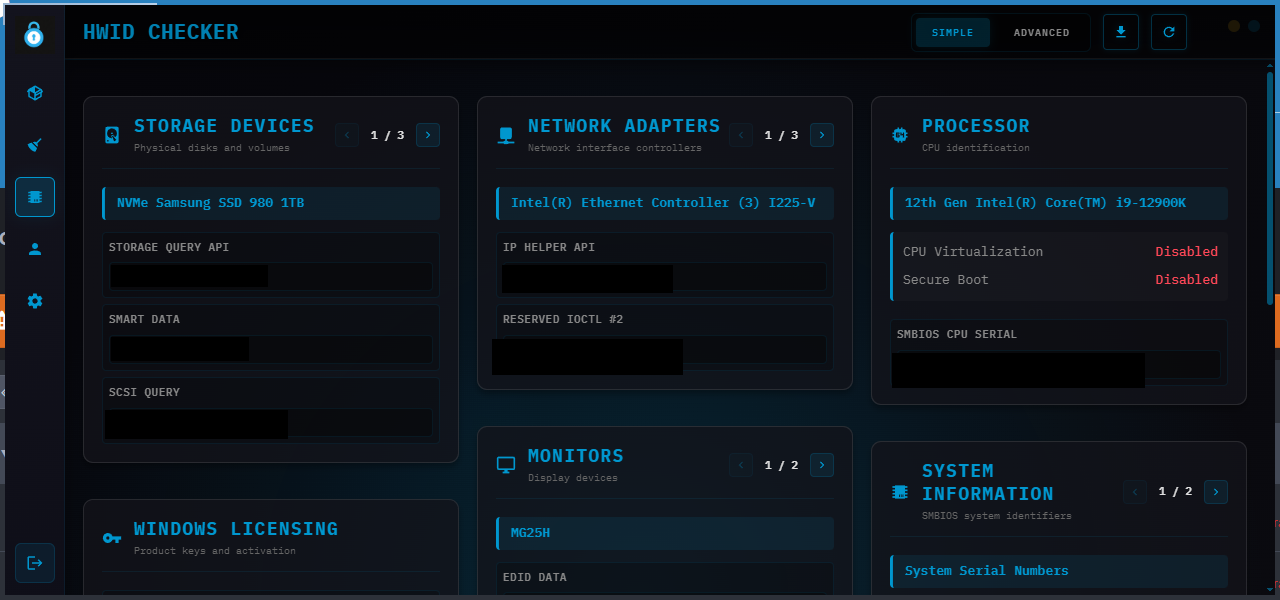
OnlySpoofs Temp HWID Spoofer
- Windows 10/11
- Intel/AMD
-
Undetected
OnlySpoofs HWID Spoofer – Undetected Temp Spoofer for Rust, EAC & More
OnlySpoofs HWID Spoofer is a hypervisor-based temporary HWID spoofer built for users who need a fast, reliable way to bypass hardware bans and stay undetected on supported Windows 10 and Windows 11 systems. Designed with strong compatibility across major anti-cheat environments, OnlySpoofs has quickly become a recognized name in Rust spoofing while also supporting a wide range of other supported games and platforms.
This session-based temp spoofer restores your normal hardware state after restart and includes both a Normal Spoofer method and a HyperVisor Spoofing Method depending on your setup. With broad hardware identifier coverage, clean activation, and strong Rust-focused demand, OnlySpoofs is built for users who want a trusted HWID spoofer brand instead of a generic one-size-fits-all tool.
What is OnlySpoofs?
OnlySpoofs is the dedicated spoofer brand from Only-Cheats, built around temporary HWID spoofing for modern anti-cheat environments. It is especially popular in Rust spoofing because of its session-based design, broad hardware coverage, and flexible spoofing methods, making it a strong option for users who want an undetected temp spoofer with a growing brand reputation.
Why Rust Players Choose OnlySpoofs
OnlySpoofs is gaining traction as a Rust HWID spoofer because it gives users a simple way to spoof key hardware identifiers without permanent system changes. For players searching for a Rust spoofer, EAC spoofer, or temporary HWID spoofer that reverts after restart, OnlySpoofs combines brand recognition, supported anti-cheat coverage, and practical setup options in one package.
System Requirements by Spoofing Method
OnlySpoofs HWID Spoofer includes two spoofing method options. Both require a supported Windows 10 or Windows 11 system with UEFI BIOS, but the settings differ depending on whether you use the Normal Spoofer or the HyperVisor Spoofing Method.
Normal Spoofer (Kernel Level)
- Windows 10 / 11
- UEFI BIOS required
- Intel and AMD supported
- No reinstall required
- No Secure Boot changes required
- No anti-cheat running during spoofing
- FACEIT must not be installed
- Spoof without a VPN enabled
- Virtualization can be enabled or disabled
- Hyper-V can be enabled or disabled
- Exploit Protection Required ON (It is going to turn it on if you turn it off and you must leave it)
HyperVisor Spoofing Method (Safest Possible)
- Windows 10 / 11
- UEFI BIOS required
- Intel and AMD supported
- No reinstall required
- No Secure Boot changes required
- No anti-cheat running during spoofing
- FACEIT must not be installed
- Spoof without a VPN enabled
- Virtualization must be enabled
- Hyper-V must be disabled
- Exploit Protection Required ON (It is going to turn it on if you turn it off and you must leave it)
Key Temp Spoofer Features
OnlySpoofs HWID Spoofer is built for users who want strong session-based spoofing, broad hardware identifier coverage, simple activation, and a modern hypervisor-based temp spoofer setup that reverts cleanly after restart.
Spoofed Hardware Coverage
This temp HWID spoofer is designed to cover a wide range of tracked identifiers, helping reduce repeat hardware recognition across supported anti-cheat systems.
Supported Anti-Cheats
OnlySpoofs HWID Spoofer supports multiple major anti-cheat systems across supported environments, with a few exceptions you should note before purchase.
Supported Games
OnlySpoofs HWID Spoofer is used with a wide range of supported games and anti-cheat environments, including standard play and select tournament-focused use cases. Rust remains one of the strongest brand associations for OnlySpoofs, helping establish it as a recognized name in Rust spoofing.
Frequently Asked Questions
What is the difference between the Normal Spoofer and HyperVisor method?
The HyperVisor method is the safest possible option, but its settings may conflict with some cheats. The Normal Spoofer still spoofs successfully and may be the better choice depending on your setup.
Do I need to reinstall Windows or change Secure Boot?
No. This spoofer does not require a reinstall and does not require Secure Boot changes.
Should I spoof with a VPN enabled?
No. Spoof without a VPN enabled, because a VPN may cause a blue screen. Re-enable your VPN after spoofing if needed for gaming.
Which anti-cheats are not supported?
Vanguard and FACEIT Anti-Cheat are not supported. ACE support is listed as use at your own risk.

.png.127468025dfaf769fe4efc05a7f2459e.png)