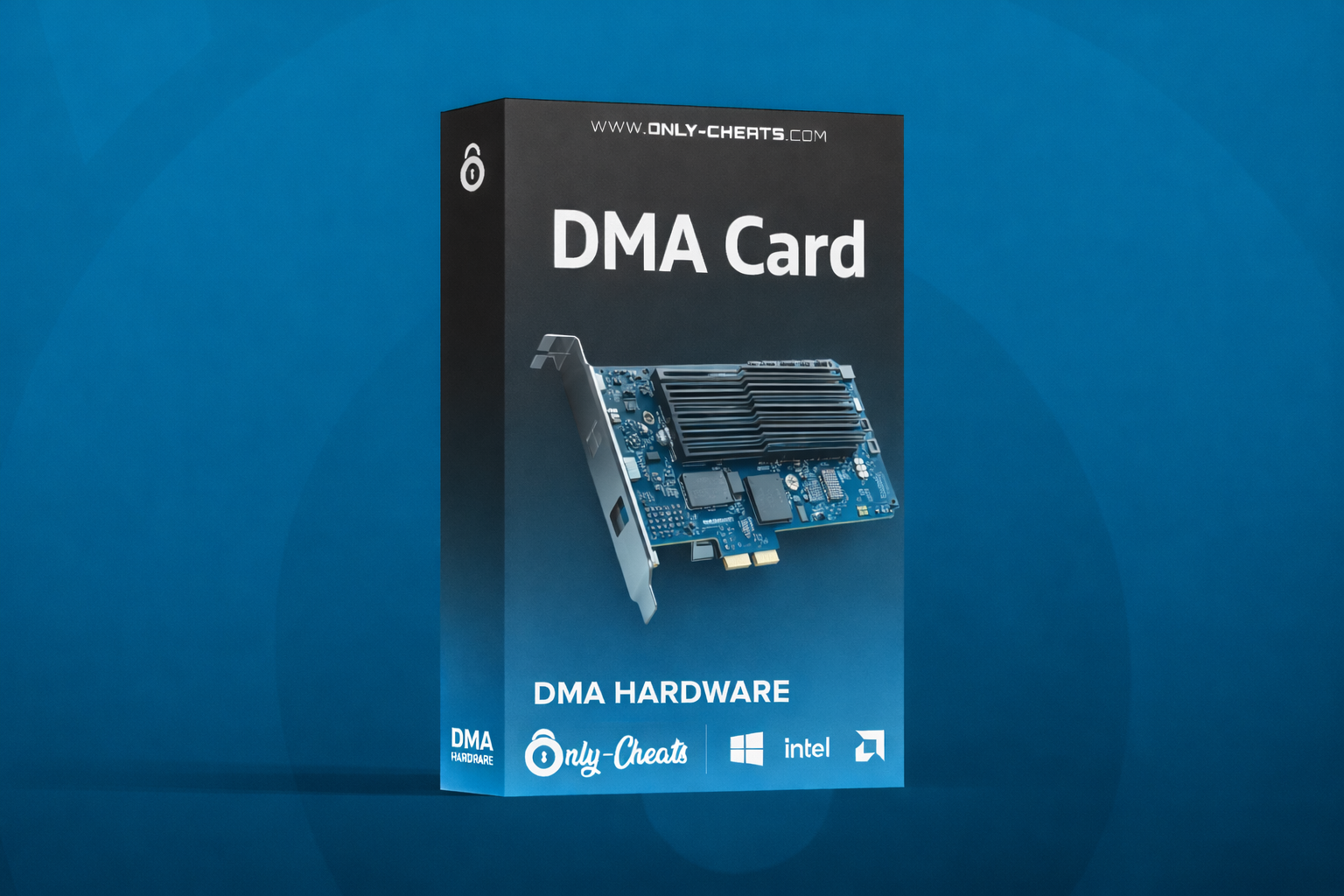
100T DMA Card
- Windows 10/11
- Intel/AMD
100T DMA Card – Maximum Power with Minimal Bottlenecks
The 100T DMA Card is the highest-performance option in the lineup, built for users who want the most headroom, the strongest responsiveness, and the cleanest high-throughput DMA experience possible. Powered by the Artix-7 100T FPGA, it is designed for demanding real-time memory workflows where consistency and speed matter most.
With 101,440 logic cells, ~100MB/s+ throughput, sub-millisecond latency, and a full PCIe Gen2 x4 interface, the 100T gives you top-tier hardware performance for users who do not want to deal with lower-end bottlenecks.
Performance
- ~100MB/s+ throughput for high-speed DMA workflows
- Sub-millisecond latency for fast real-time responsiveness
- 101,440 logic cells for complex operations without bottlenecks
- Optimized data paths for consistent high-end operation
- Designed for users who want maximum performance headroom
Compatibility
- Compatible with Intel and AMD platforms
- Works in PCIe x1, x4, x8, and x16 slots
- PCIe Gen2 x4 interface with full x4 lane implementation
- Up to 2GB/s theoretical bandwidth
- Built for flexible standard and high-performance setups
Required Hardware
- 2nd PC required for DMA operation
- Main PC with PCIe slot support
- x4, x8, or x16 slot compatible
- Host PC runs the DMA software environment
- Target PC runs the primary system
In the Box
- 100T DMA PCIe Board
- USB 3.1 to USB-C Cable
Compatible Accessories
The following accessories are compatible with the 100T DMA Card and are commonly used to expand functionality depending on your setup. These are optional accessories and are not included unless stated otherwise.
Why Choose the 100T?
The 100T is the premium choice for users who want the strongest DMA hardware option available in this lineup. It offers the highest logic capacity, the fastest listed throughput, and the least performance compromise, making it ideal for buyers who want top-end hardware from the start.
Who Is the 100T Best For?
The 100T is best for users who want maximum hardware performance, the most processing headroom, and the strongest long-term DMA foundation. It is ideal for buyers who would rather start with the best option instead of upgrading later.
35T vs 75T vs 100T
Swipe sideways on mobile to view the full comparison table.
| Feature | 35T | 75T | 100T |
|---|---|---|---|
| Best For | Beginners / Budget Builds | Balanced Performance | Maximum Performance |
| FPGA | Artix-7 35T | Artix-7 75T | Artix-7 100T |
| Logic Cells | 33,280 | 76,800 | 101,440 |
| Read / Write Throughput | ~80MB/s+ | ~90MB/s+ | ~100MB/s+ |
| Latency | Low latency | Sub-millisecond | Sub-millisecond |
| PCIe Interface | Gen2 x4 | Gen2 x4 | Gen2 x4 |
| Theoretical Bandwidth | Standard x4 bandwidth | Up to 2GB/s | Up to 2GB/s |
| Compatibility | Intel & AMD / x1 x4 x8 x16 | Intel & AMD / x1 x4 x8 x16 | Intel & AMD / x1 x4 x8 x16 |
| Recommended Buyer | New DMA users | Users wanting more speed and better multitasking | Users wanting the most power and least bottlenecks |
Is the 100T the strongest option in the lineup?
Yes — the 100T is positioned as the highest-end DMA card in this lineup, offering the most logic cells and the fastest listed throughput of the three.
What is the difference between the 35T, 75T, and 100T?
The 35T is the entry-level option, the 75T is the balanced middle tier, and the 100T is the maximum-performance model with 101,440 logic cells and ~100MB/s+ throughput.
Do I need a second PC?
Yes — the hardware requirements section states that a second PC is required, while the main PC needs a compatible PCIe slot for the card.
What accessories are commonly used with the 100T?
Common optional accessories listed on the product page include HDMI Fusers for overlays and KMBox or Makcu devices for expanded setup functionality.

.png.127468025dfaf769fe4efc05a7f2459e.png)